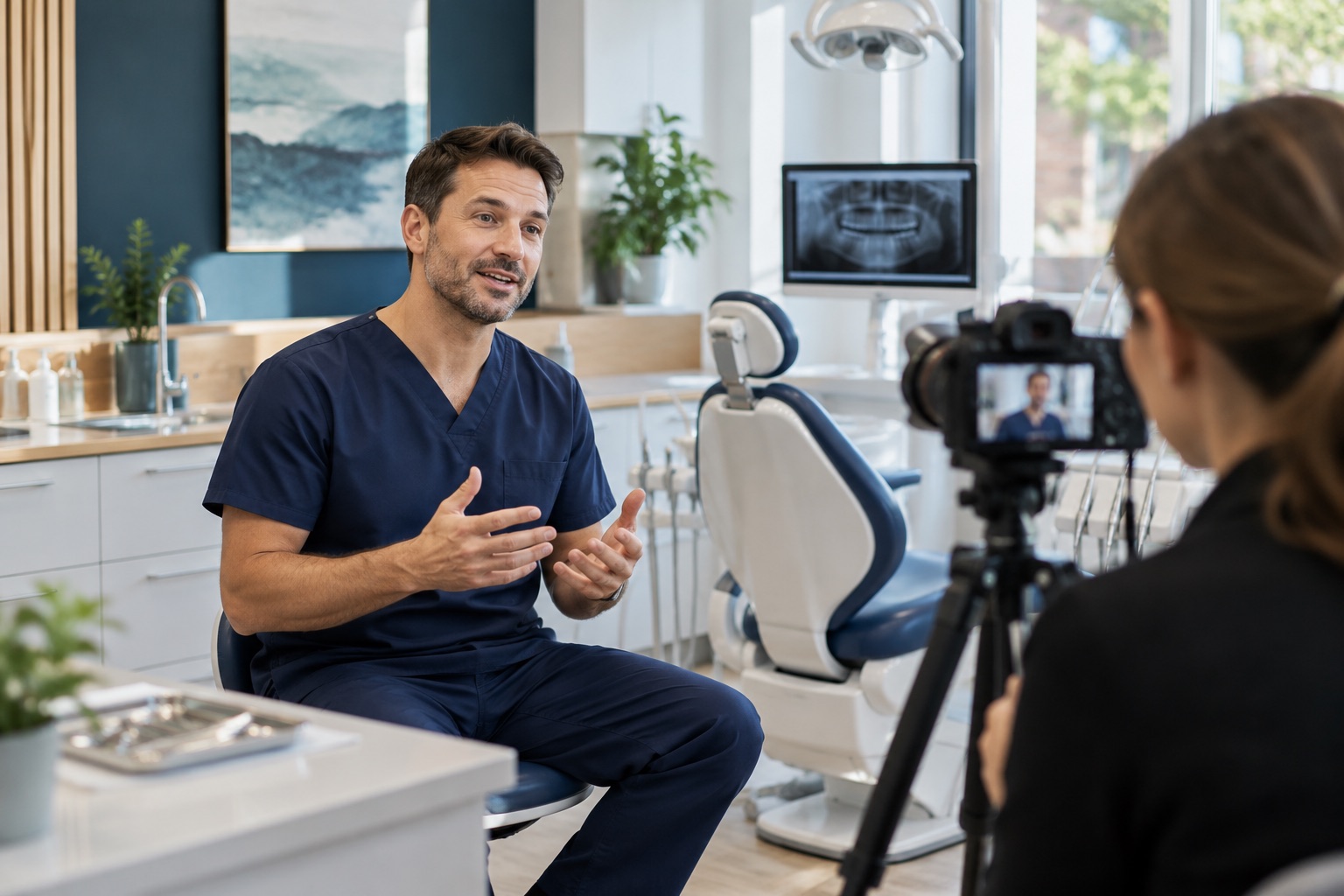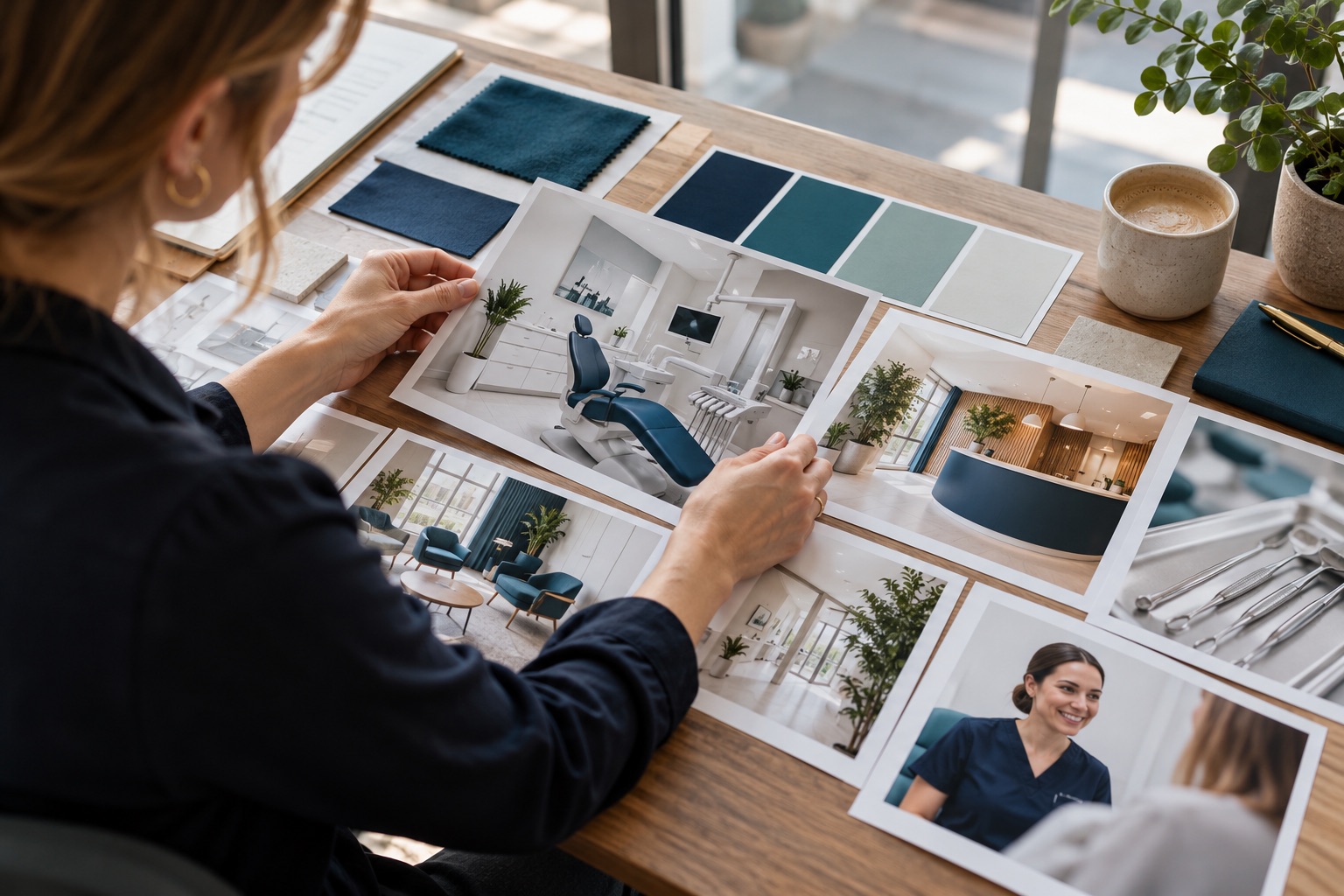
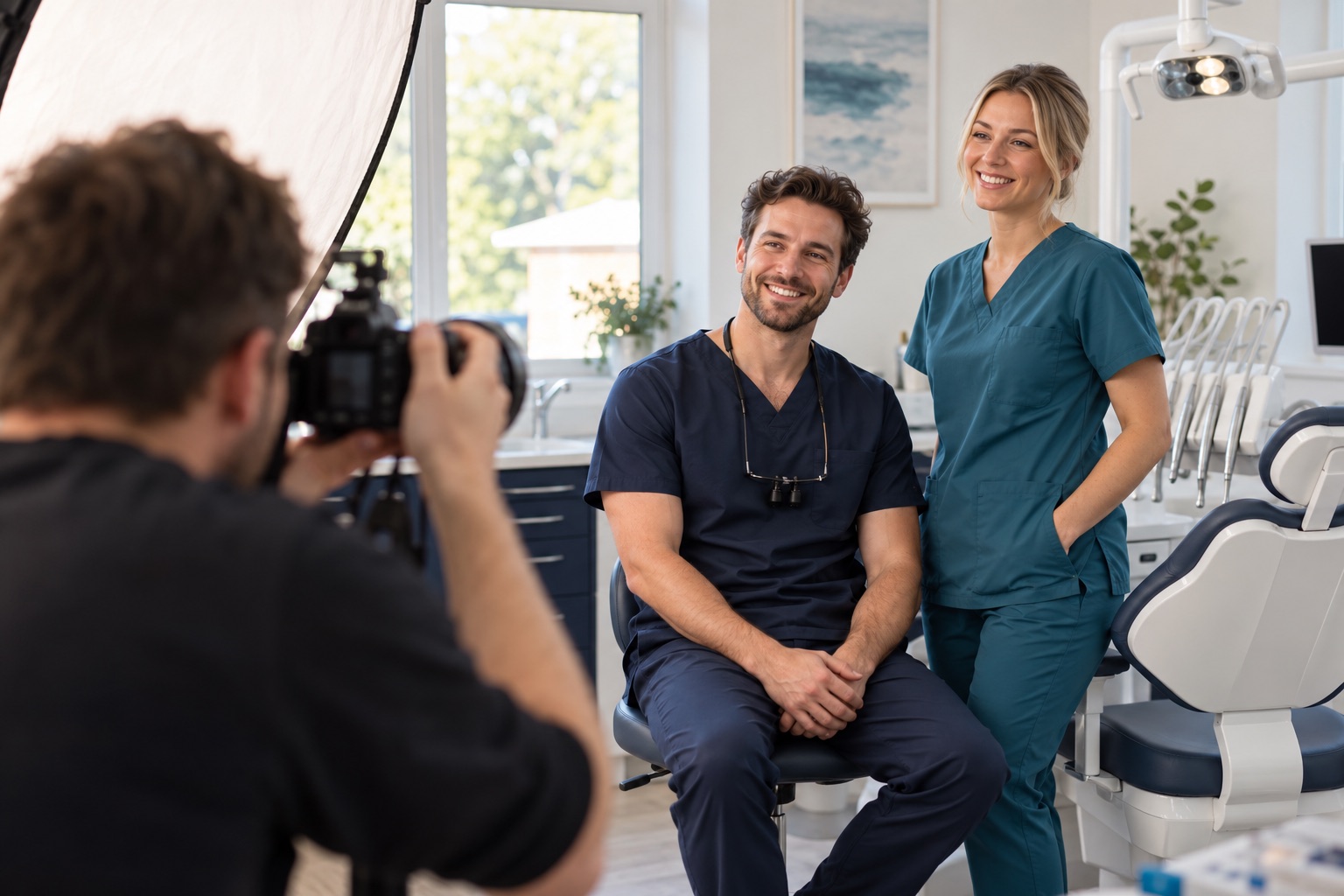
Photograph the experience people will recognise
Original photography helps prospective patients understand the practice before they visit. It can show the entrance, introduce the team and make the environment feel familiar. A useful shoot therefore begins with the questions your website needs to answer, rather than a collection of attractive but disconnected pictures.
The strongest images remain truthful to the practice. They show real spaces, appropriate details and people who visitors may meet. Planning carefully helps you create a versatile image library while reducing disruption to the team and avoiding photographs that have no clear purpose.
Audit the images you already have
Review the website and campaign materials before booking the shoot. Identify missing, outdated or unsuitable photographs. A team page may feature people who no longer work at the practice, while the contact page may lack an exterior image that helps visitors recognise the entrance.
Note where stock imagery creates a gap between the website and the actual environment. You do not need to replace every decorative image, but the most important trust and navigation moments deserve consideration. Prioritise photographs that explain something useful about the practice.
Create a simple inventory with the image's destination, purpose and preferred orientation. This turns a vague request for new photos into a practical brief the photographer can use when planning equipment, timing and compositions.
Build a shot list around the website
Organise the shot list by page and message. The homepage might need a welcoming reception scene, service pages might need suitable environmental images, and the contact page may need the building and entrance. Include team portraits with consistent framing for the people who wish to participate.
Think about text placement before photographing a hero image. A composition filled edge to edge with faces may leave no comfortable space for a heading. Ask for options with usable negative space while ensuring the image still makes sense without an overlay.
Request portrait and landscape variations for important scenes. A wide desktop banner often crops poorly on a narrow phone screen. Capturing both deliberately is more reliable than hoping a single photograph can serve every format.
Prepare people and spaces thoughtfully
Share the plan with the team early enough for questions and scheduling. Explain how photographs will be used and follow the practice's applicable permission procedures for everyone appearing. Participation should be clearly understood, especially where images may be used in campaigns as well as on the website.
Prepare rooms so they look orderly and representative. Remove personal paperwork, visible patient information and distracting packaging. Check screens, noticeboards and reflective surfaces before shooting. A small amount of preparation can prevent photographs from becoming unusable later.
Do not turn the practice into an environment that visitors would never encounter. Tidying is sensible; creating a misleading impression is not. Show spaces in a condition the team can realistically maintain and recognise.
Capture warmth without forced performance
People do not need to perform exaggerated smiles to appear approachable. Give the photographer time to help staff feel comfortable, and use simple activities that suit their normal roles. A relaxed conversation at reception may produce a more believable image than a heavily posed handshake.
Brief the photographer on the practice's tone. If the brand is calm and straightforward, avoid visual choices that make it feel theatrical or excessively luxurious. Lighting, colour and composition should support the same message as the website's words.
Where scenes are arranged for photography, keep them appropriate and avoid suggesting a documented patient outcome. A photograph illustrating a conversation is different from evidence of a real treatment experience. Captions and surrounding copy should preserve that distinction.
Plan practical details for consistent portraits
Team portraits work best when there is a shared visual approach. Agree the background, camera height, crop and lighting so that the page feels cohesive. Leave enough room around each person for different website layouts without cutting awkwardly through heads or shoulders.
Photograph names and roles separately in your working notes so that files can be matched correctly. Confirm the final published information with the practice. A polished portrait paired with the wrong role can undermine confidence and create unnecessary correction work.
Consider how future colleagues can be added. A repeatable setup makes it easier to maintain consistency when the team changes. Document the background and composition so that the library can evolve without requiring a complete reshoot.
Make the image library usable
Agree deliverables with the photographer before the session. Clarify the intended website, social and advertising uses, along with the file formats and practical arrangements for receiving images. Keep the relevant permissions and usage information accessible to whoever manages the marketing.
Organise the final files by subject and purpose. Descriptive filenames help colleagues find an entrance photograph or team portrait without opening dozens of images. Retain original files separately from resized website versions so future edits do not depend on compressed copies.
Prepare images for their actual destinations. Appropriate dimensions and compression can keep pages efficient while preserving sufficient quality. Add concise alternative text where an image conveys information, describing its useful content rather than filling it with marketing keywords.
Review images in their final context
Judge the selected photographs on the real pages, including mobile layouts. Check that faces remain visible, text is readable and cropping does not remove the detail the image was meant to communicate. A strong individual photograph can still be unsuitable for a particular layout.
Ask whether the completed library answers the original questions. Can a new visitor recognise the entrance, understand the environment and identify the team? If key information remains missing, plan a focused additional shot rather than adding decorative images to fill space.
A successful photography shoot produces a useful visual resource, not simply an impressive gallery. When each image has a clear purpose and reflects the real practice, the website can feel more personal, coherent and helpful. Remove rejected duplicates from the working selection so colleagues do not accidentally publish an unsuitable alternative.